Figma vs Framer for websites
Comparison · 5 min read · By Utkarsh Dhairya Panwar · Updated
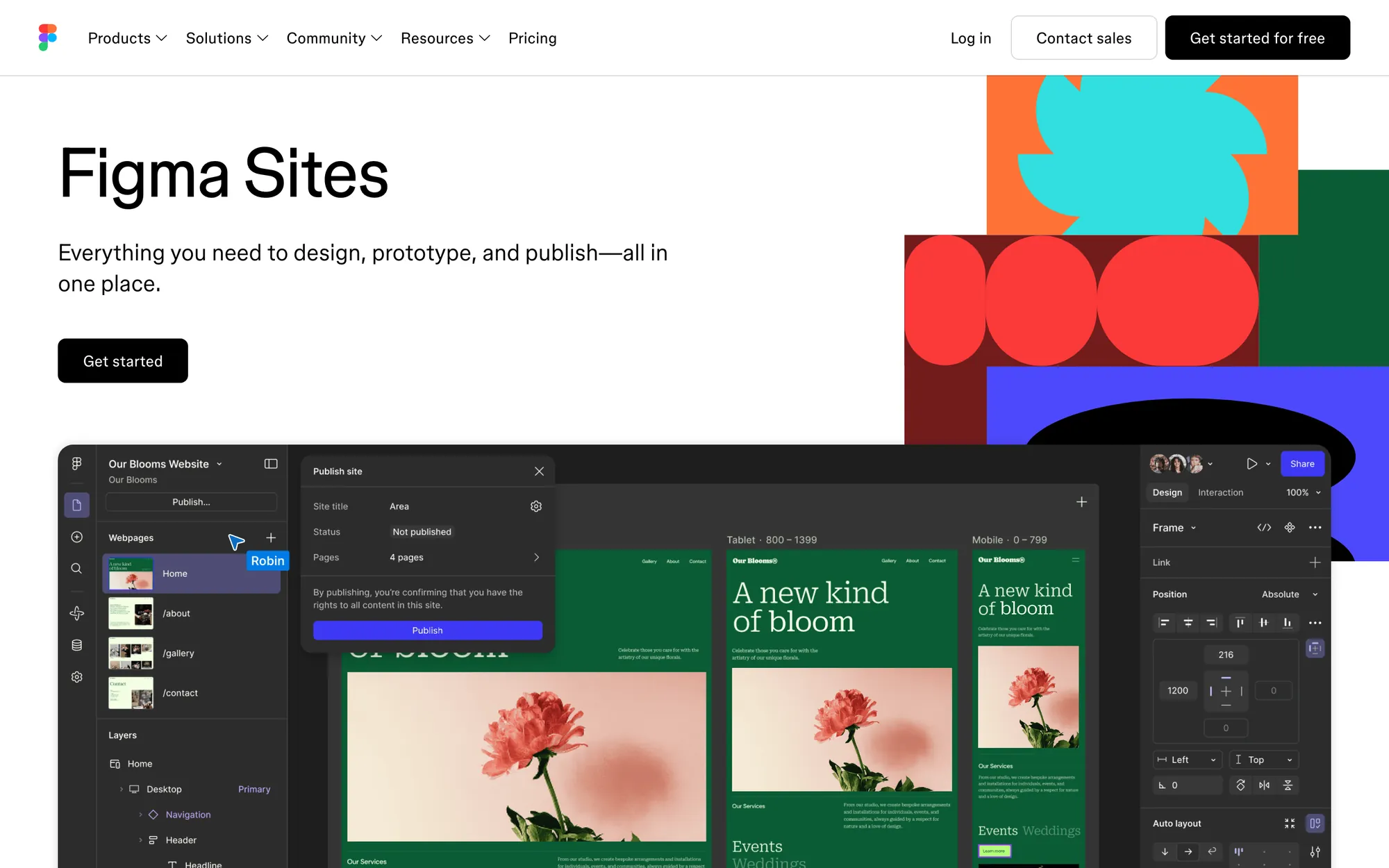
Figma is where you design; Framer is where a website gets built, hosted and edited. I design marketing sites in Framer and keep product UI in Figma. Figma Sites publishes a Figma file as a live site, was still in beta in October 2026, and suits simple pages best.
Two tools that used to be one decision apart
For years nobody asked whether to use Figma or Framer. You designed in Figma, then someone rebuilt it in code or a site builder. Framer merged those two steps for websites: the canvas you design on is the site you publish, and hosting, a CMS and editing for the marketing team come with it.
Figma's answer was Figma Sites, which publishes a Figma design as a responsive site. That makes three options for different jobs. I'm an official Framer Expert and use Figma every day for product work, so my bias is toward using both, each for what it's good at.
Figma, Figma Sites and Framer side by side
| Figma (Design) | Figma Sites | Framer | |
|---|---|---|---|
| What it is | Interface design and prototyping tool | Publishing from Figma, labelled beta in October 2026 | Website builder with its own design canvas and hosting |
| Best at | Product UI, design systems, flows, handoff to engineers | Turning a simple Figma design into a live page with little rework | Marketing sites that change every week |
| Publishes a live site | No | Yes | Yes |
| CMS for blogs and changelogs | No | Yes, rolling out in beta | Yes, mature, with collections and items limited by plan |
| Motion and interactions | Prototype interactions only | Preset interactions, plus custom code | Scroll, hover and page effects built into the canvas, plus code components |
| Who edits after launch | Designers | Designers, and content editors with the right seat | Designers and marketers, with content-only editor roles |
| Pricing model | Per seat | Needs a Full seat on a paid Figma plan | Per site, with extra paid editors and add-ons |
Pricing changes often, so check both pricing pages before deciding. The models matter more than the numbers: Figma charges per person, Framer per site. A team already paying for Figma Full seats gets Sites at no extra cost, while one designer running one site will usually find Framer simpler to budget.

How I split the work at CodeAnt
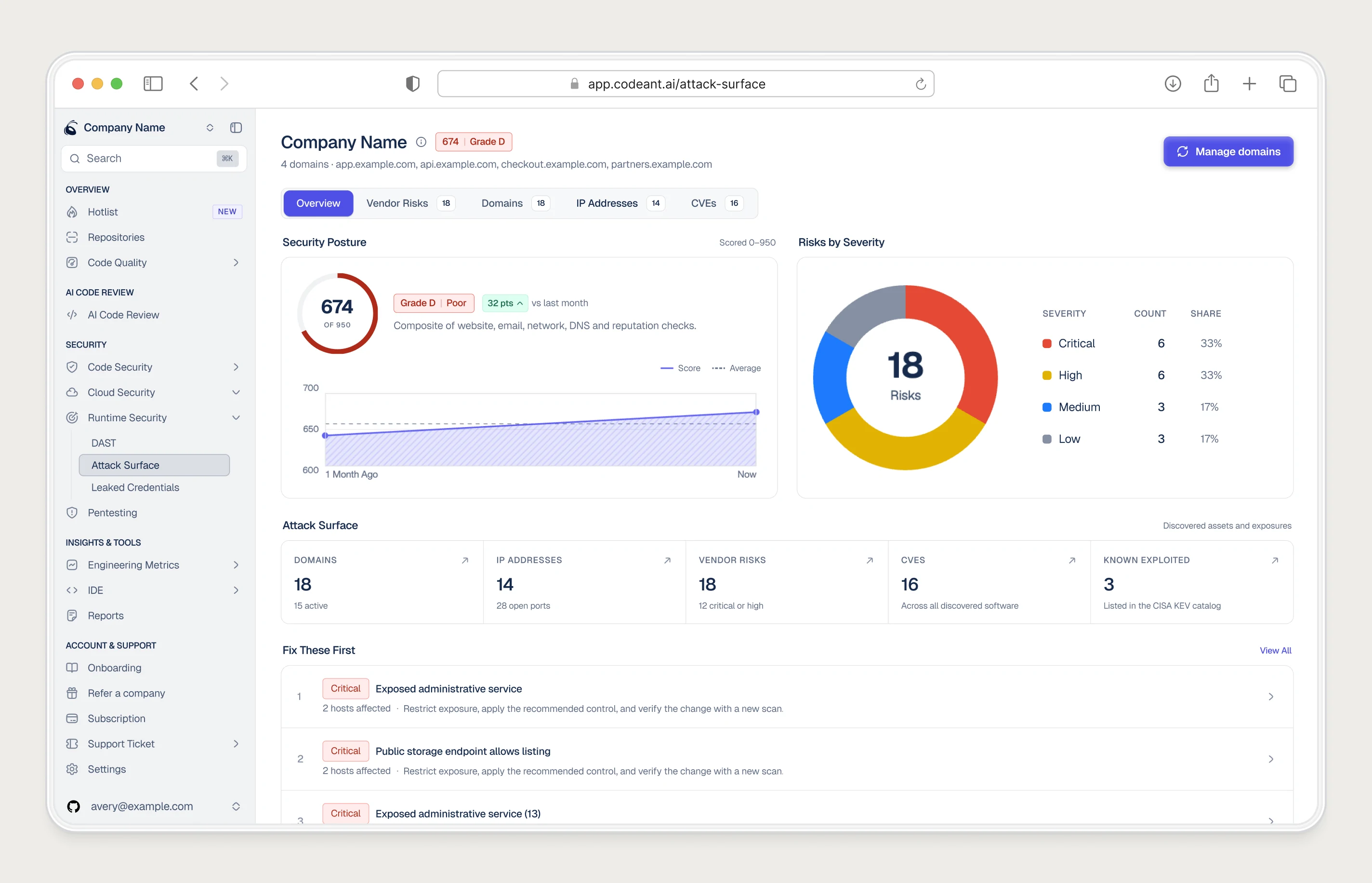
CodeAnt AI's product, design system and brand live in Figma. The website, codeant.ai, is built in Framer. They share colours, type and components but do different jobs: the product needs specs engineers can build from, and the site needs pages marketing can publish without a ticket.

For website pages I now often skip Figma and design straight in Framer, because what I see on the canvas is what ships, breakpoints included. When a client's brand or sections already exist in Figma, Framer's official Figma plugin copies layers across. I then rebuild the layout with Framer's stacks and breakpoints instead of trusting a pixel copy.
Pick Figma, Framer or Figma Sites
- Pick Figma when you're designing a product: app screens, flows with many states, a design system engineers build from. Framer doesn't try to do this.
- Pick Framer when you need a marketing site that people outside design will edit, with a CMS, SEO settings, analytics and room to grow to dozens of pages.
- Pick Figma Sites when the design already lives in Figma, the site is small (an event page, a portfolio, a launch page), and your team pays for Figma Full seats anyway.
- Pick both, as I do, when you have a product and a website: Figma for the product, Framer for the site, one shared visual system.
Figma Sites is moving fast, and keeping everything in one file is a genuine advantage. What makes me hesitate for a SaaS site is maturity. A site that has to rank, run campaigns and be edited by marketers every week needs a CMS, redirects and editing roles you can rely on, and Framer has had longer to build those. Check Figma's release notes when you decide; this is the line most likely to change.
Figma or Framer for prototyping
I use Figma for product prototypes. Wiring a multi-step flow with states is faster there, and the engineers are already in the file. Website prototypes go in Framer, where the prototype is the site: stakeholders review the real scroll, breakpoints and load time, and nothing gets lost before launch.
Figma to Framer build: Already designed the site in Figma? How I review the file, fill the gaps and build it properly in Framer.
Questions people ask
Is Framer replacing Figma?
Not for product design. Framer is a website builder with a design canvas, and Figma is still the standard for app UI, design systems and engineering handoff.
Is Figma Sites good for SEO?
It's in beta, so its feature set is still changing. For a site where search traffic matters, check its current SEO, redirect and CMS options against your needs before committing.
Can I learn Framer if I know Figma?
Yes, quickly. The canvas, auto layout and components work much like Figma's; I was shipping pages within about three days of first opening it. Breakpoints and the CMS are the parts that take practice.
Sources
- Explore Figma Sites, Figma Learn
- Plans & Pricing, Figma
- Pricing, Framer
- Figma to HTML workflow for live websites, Framer
Working on this?
Tell me what you're building and where it's stuck: book a 30-minute call, email work@utkarshdesign.com or send a brief.